Brush Viewer: .procreate files


Scan with your phone

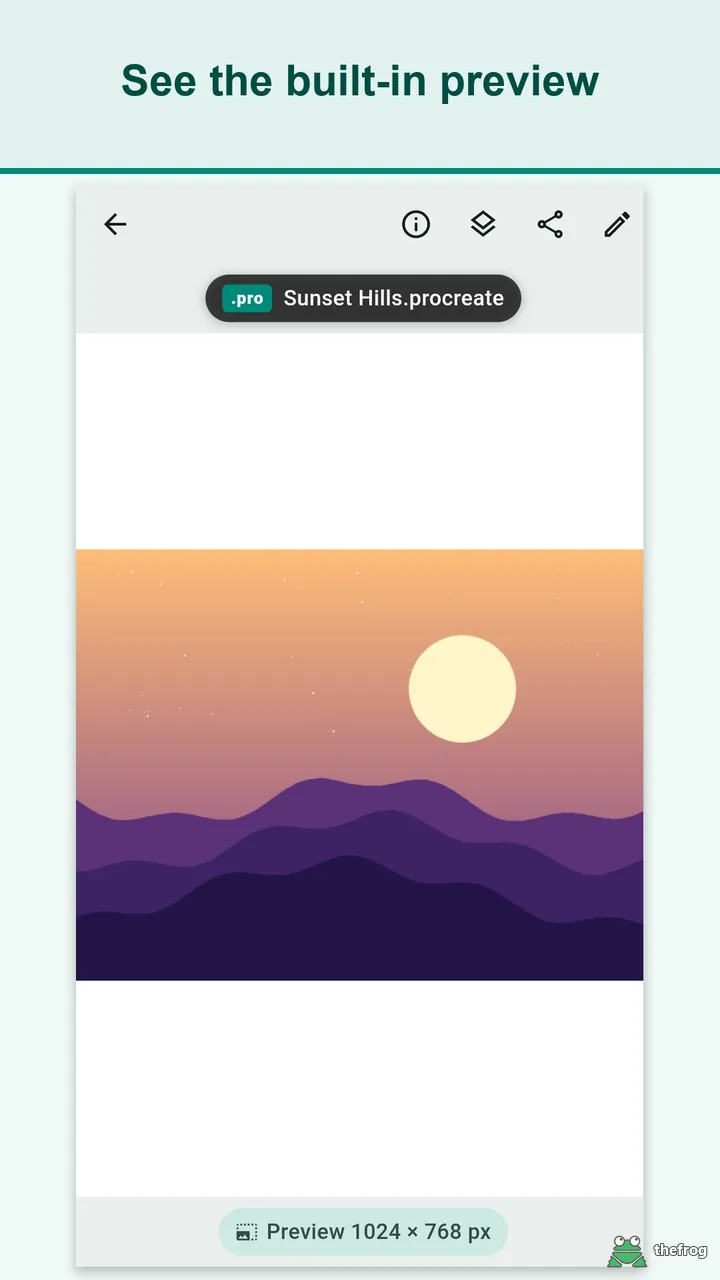
Brush Viewer: .procreate files opens Procreate (.procreate) files on your Android device, so you can check artwork made in Procreate on iPad without the iPad. It shows the preview image that Procreate saves inside each file (usually 1024 px on the long side) and lets you zoom in and mark it up.
What you see
The app shows the saved preview, not the full-resolution canvas. It does not render individual layers. If a file has no saved preview, the app tells you so instead of showing a blank screen. Each time you open a file, the app shows the exact preview size.
Key features
- Open files from the system file picker, or use "Open with" or "Share" in another app such as email, chat or cloud storage.
- Three tabs on the home screen: Recent, Folder and Received. The Received tab collects .procreate files opened or shared from other apps.
- Swipe left or right to move between files opened from the Recent or Received tab.
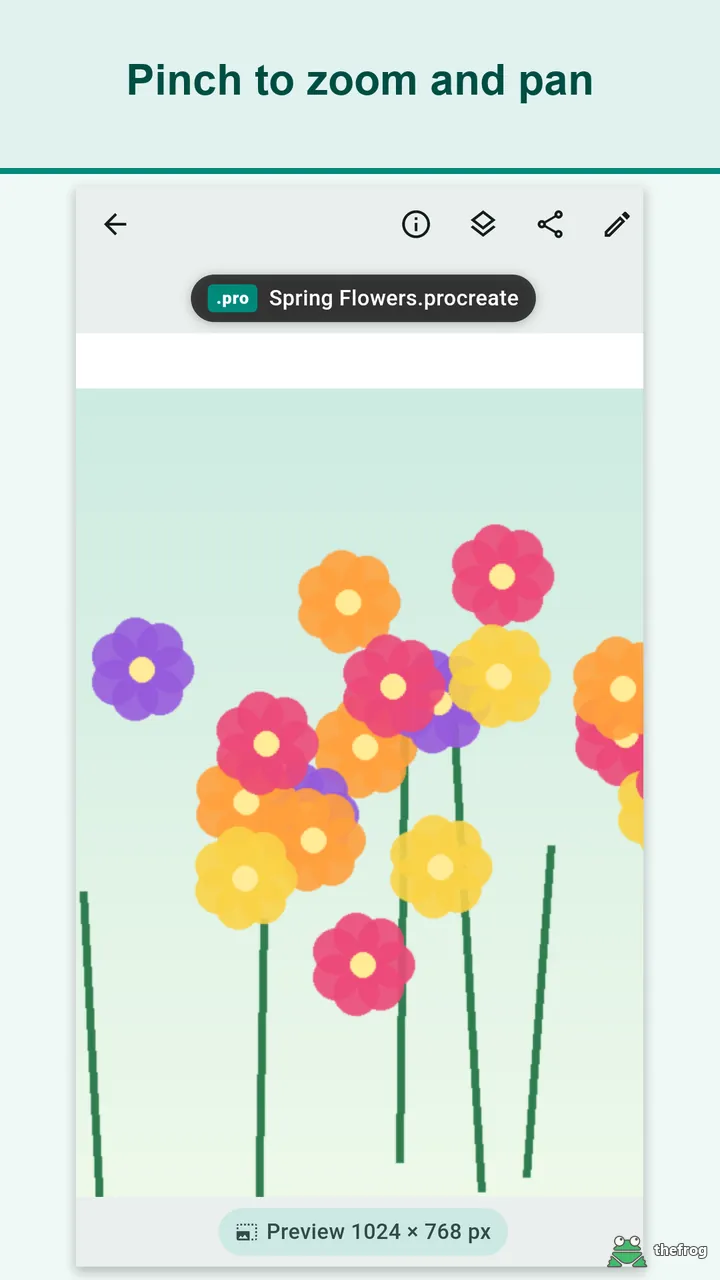
- Pinch to zoom and pan, or pinch out below the fit size to see the whole picture. Check file name, file size and preview size in the file info.
- Open common images (JPG, PNG, WebP, GIF, BMP, HEIC) in the same viewer, with no limit.
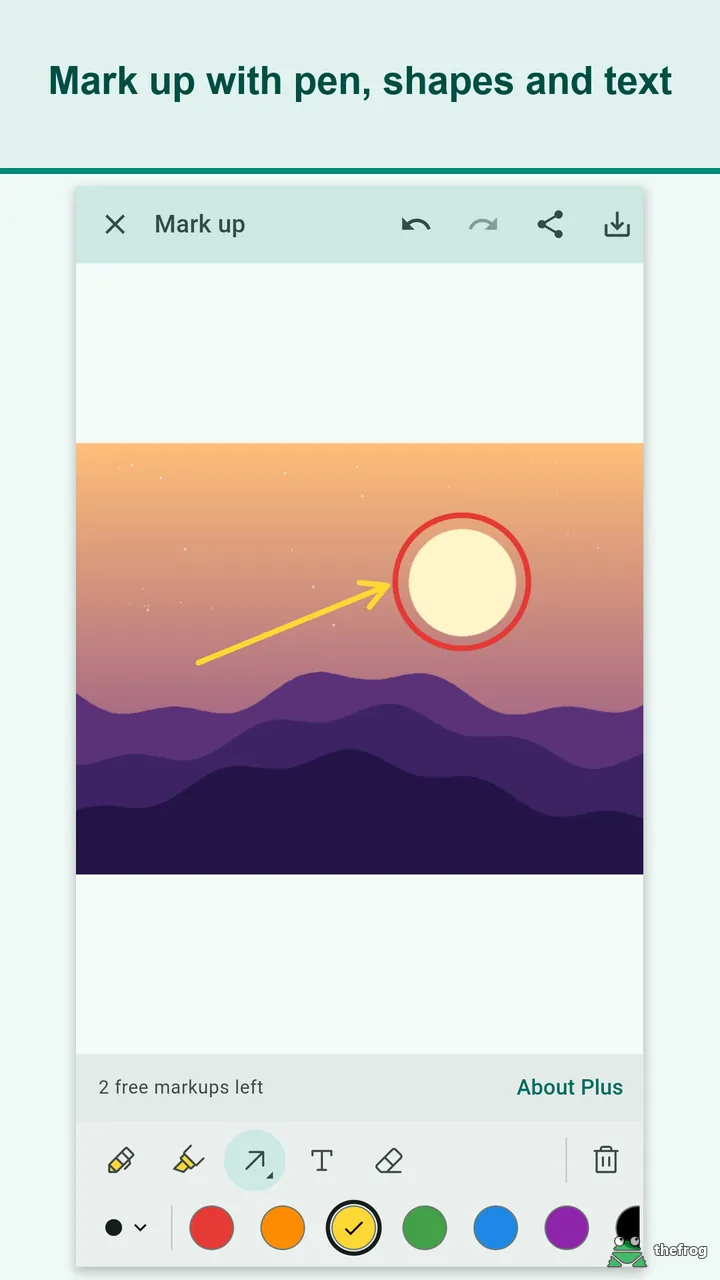
- Mark up the preview with a pen, a highlighter, rectangles, circles, arrows and text. Select marks to move, resize or delete them, long-press a shape or text to move it, and undo or redo. The bottom panel can be folded by dragging it, and the preview stays visible.
- Eyedropper (Plus): Touch the picture to pick a color and use it as the pen color right away. A magnifier helps you aim, and the HEX and RGB values are shown.
- Replace all of one color (Plus): Pick a color in the picture and change every spot of it to another color. A Tolerance slider sets how close a color must be, and Keep shading preserves light and dark variation. The change applies when you save or share as PNG, and your original file is never changed.
- Save the marked-up image as a PNG or share it to any app. Marks are never written back into your original .procreate file.
- Layer info (free, experimental): a read-only list of layer and group names, opacity, blend mode and hidden, locked or clipped states. You cannot turn layers on or off here.
- Share the original .procreate file to another app.
- Available in 11 languages.
How it works
Without Plus you can view 5 different .procreate files and use markup 3 times. Opening the same file again does not count, and opening common images and viewing layer info are not limited.
"Plus" is a one-time purchase, not a subscription. It removes both limits: unlimited .procreate files and unlimited markup. It also adds the Eyedropper and Replace all of one color in markup. Purchases are handled by Google Play, and you can use "Restore purchase" after reinstalling.
Privacy
Your files are not sent off your device, and there is no account and no server. The app does not include advertising or analytics SDKs. The app itself does not connect to the internet directly: purchases, update checks and ratings are handled by Google Play, and the Google Play Billing library may send purchase-related diagnostic information to Google services. Viewing works without an internet connection.
Brush Viewer: .procreate files is an independent app. Procreate is a registered trademark of Savage Interactive Pty Ltd. This app is not affiliated with, endorsed by, or sponsored by Savage Interactive Pty Ltd.
Get Brush Viewer: .procreate files on Google Play.
Enjoying the app? Leave a review on Google Play: Brush Viewer: .procreate files