AI File Viewer: Illustrator 1.0 Release Notes and Updates

We have updated AI File Viewer: Illustrator several times since its first release. This post covers the features introduced in version 1.0 and the improvements made up to version 1.0.9.7.
Opening and Viewing Files
In version 1.0, we introduced a unified viewer. It opens Adobe Illustrator (.ai) files saved with PDF compatibility, PDF files, and SVG vector files. It also supports common image formats like JPG, PNG, WEBP, GIF, BMP, HEIC, and AVIF. You can zoom in and out with two fingers. For multi-page AI and PDF files, you can use the navigation buttons to change pages. GIF and WEBP animations are supported and will play automatically.
In recent updates, we added support for EPS files. The app now reads the preview image embedded inside the EPS file. If an EPS file has no embedded preview, the app cannot open it. Since it uses a preview image, EPS files may look less sharp when zoomed in.
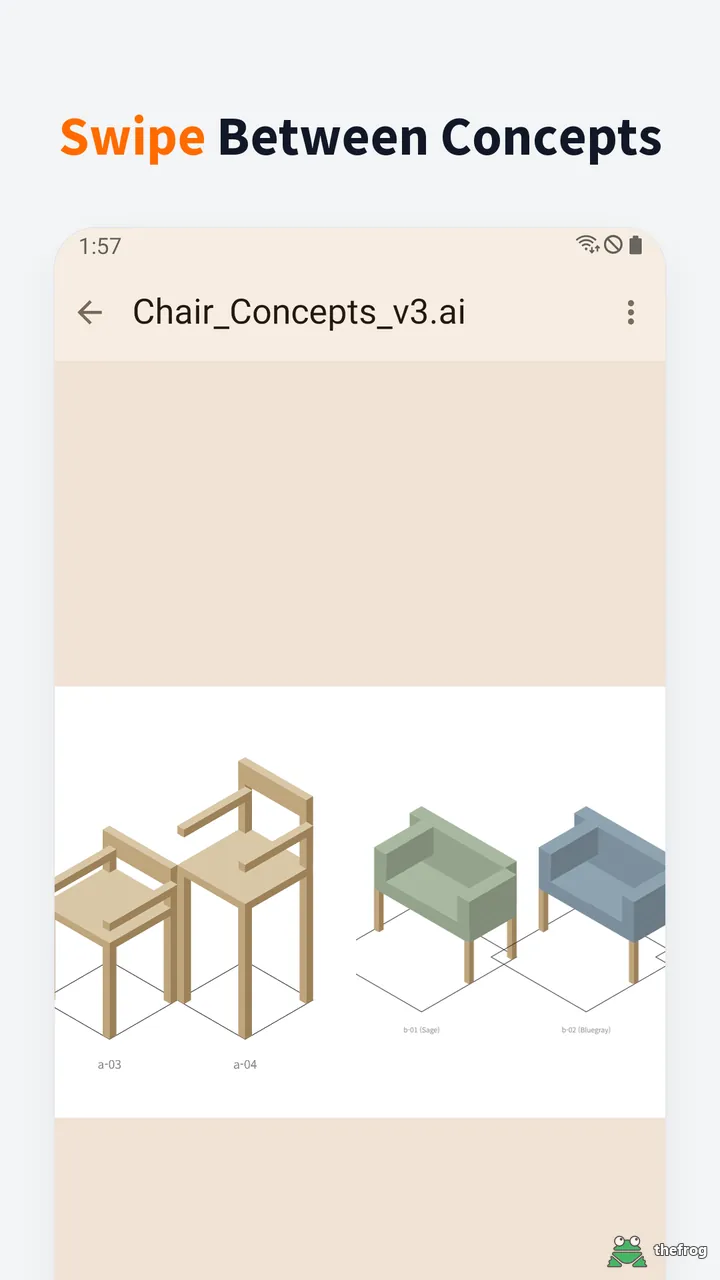
We also improved how you navigate between files. You can now swipe left or right on the screen. If you are viewing a multi-page file, swiping moves you to the next or previous page. At the end of a file, swiping again moves you to the next file in your list. While dragging, the app shows a preview of the next page or file. This makes browsing fast and smooth.
To help you find files, we added a "Folder" tab. This tab opens the system file picker so you can browse your phone's storage. You can also open files directly from other apps like email or chat using the "Open with" menu. Files opened this way appear in the "Received" tab for easy access.
Free Usage and Plus Purchase
Our apps process files locally without ads. PDF, SVG, and image files are always free and unlimited to view. For AI and EPS files, you can view up to 5 different files for free. If you open a file you have already viewed, it does not count against your free limit.
We offer a "Plus" upgrade. It is a one-time purchase, not a subscription. Plus gives you unlimited viewing of AI and EPS files. Recent updates made the purchase check more stable. The app now waits smoothly if the connection to Google Play is slow. If you open the app without an internet connection, it remembers your Plus status from the last check.
Saving and Sharing
You can share the original file you are viewing with others. You can also save the current page on your screen as a PNG image.
We added a "Save as PDF" feature for Plus users. You can now save AI (PDF Compatible), SVG, and image files as PDF documents. When you save an SVG, it remains a vector file. AI files are saved in their original layout. For animated images, only the first frame is saved to the PDF.
We hope these updates make AI File Viewer: Illustrator more useful for your daily work. You can download the latest version on Google Play.


Learn more about AI File Viewer: Illustrator or get it on Google Play.
Enjoying the app? Leave a review on Google Play: AI File Viewer: Illustrator