AI File Viewer: Illustrator


Scan with your phone


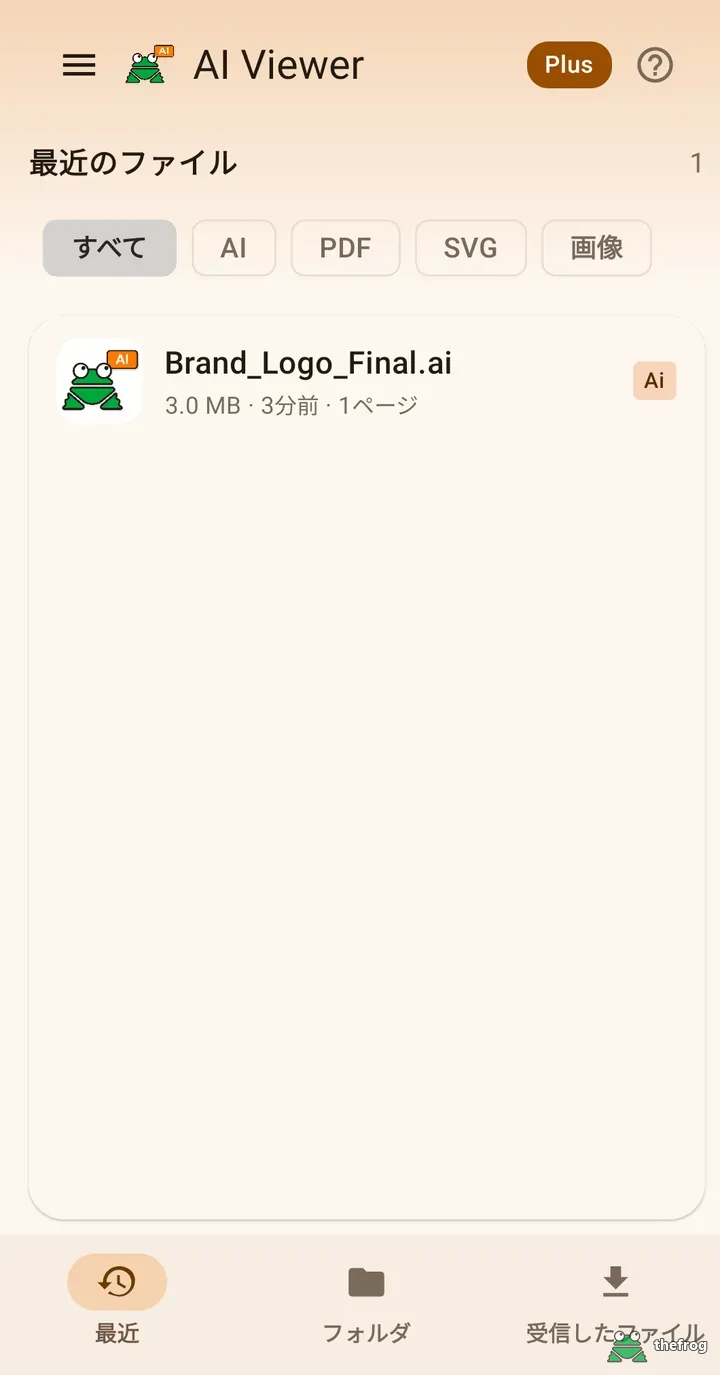
The "AI" in the app name does not refer to artificial intelligence — it stands for the Adobe Illustrator file format (.ai). This app has no AI features; it is a viewer for opening professional design and document files directly on your device.
AI File Viewer: Illustrator opens Adobe Illustrator (.ai), PDF, and SVG vector files, plus common image files (JPG, PNG, WEBP, GIF, BMP, HEIC, AVIF). EPS files can be viewed using their embedded preview image.
Key features
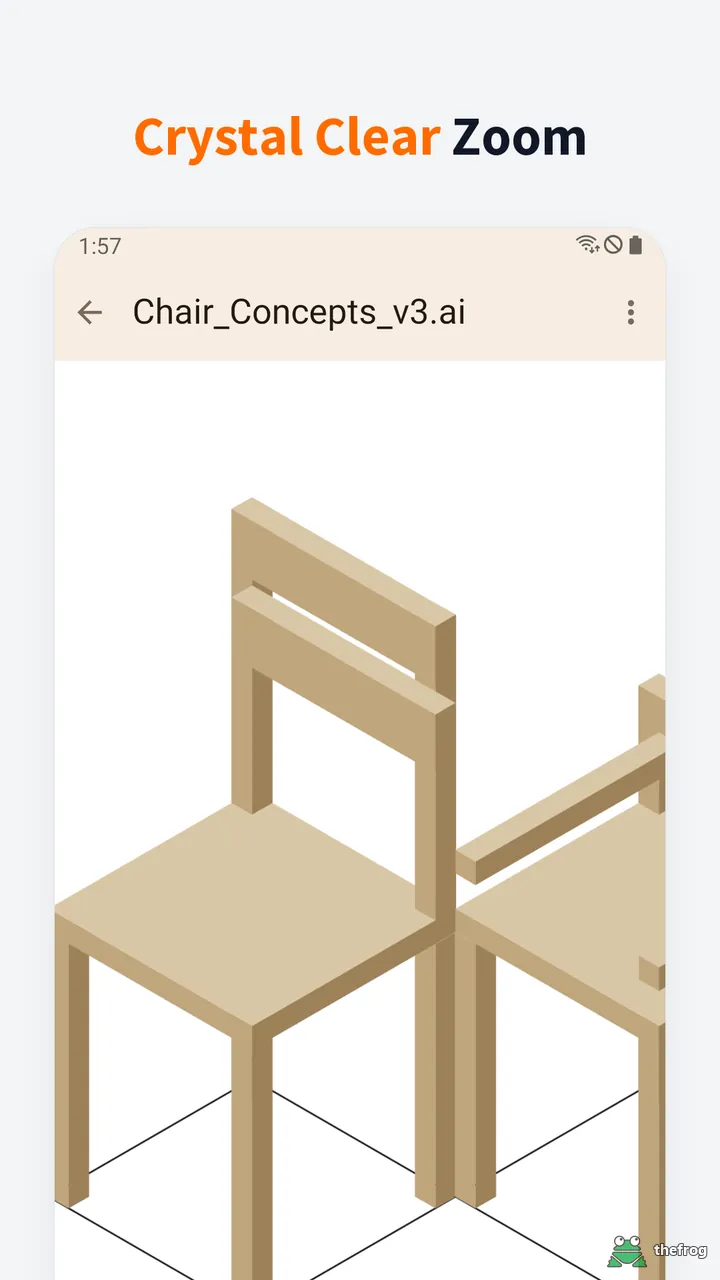
- Pinch to zoom in for a closer look, or zoom out to see the whole artwork.
- Page navigation for multi-page AI (PDF Compatible) and PDF files.
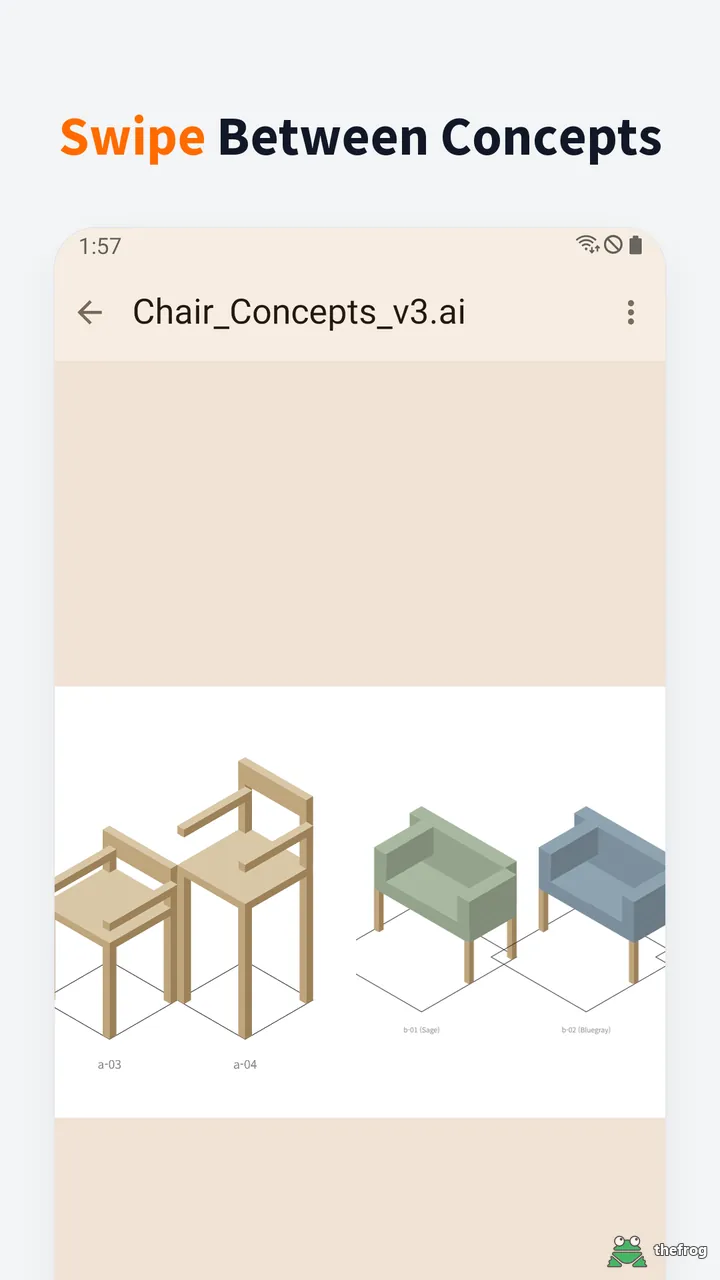
- Swipe left or right to move to the next page or next file, with a preview as you drag.
- Play GIF and WEBP animations.
- Open files from any location using the "Folder" tab.
- Open directly from other apps (messenger, email, browser, etc.) via "Open with" or Share. Files opened this way appear in the Received tab.
- Share the original file for free. Saving or sharing the current page as a PNG image is a Plus feature.
- Save as PDF (Plus): Save AI (PDF Compatible), SVG, and image files as PDF documents.
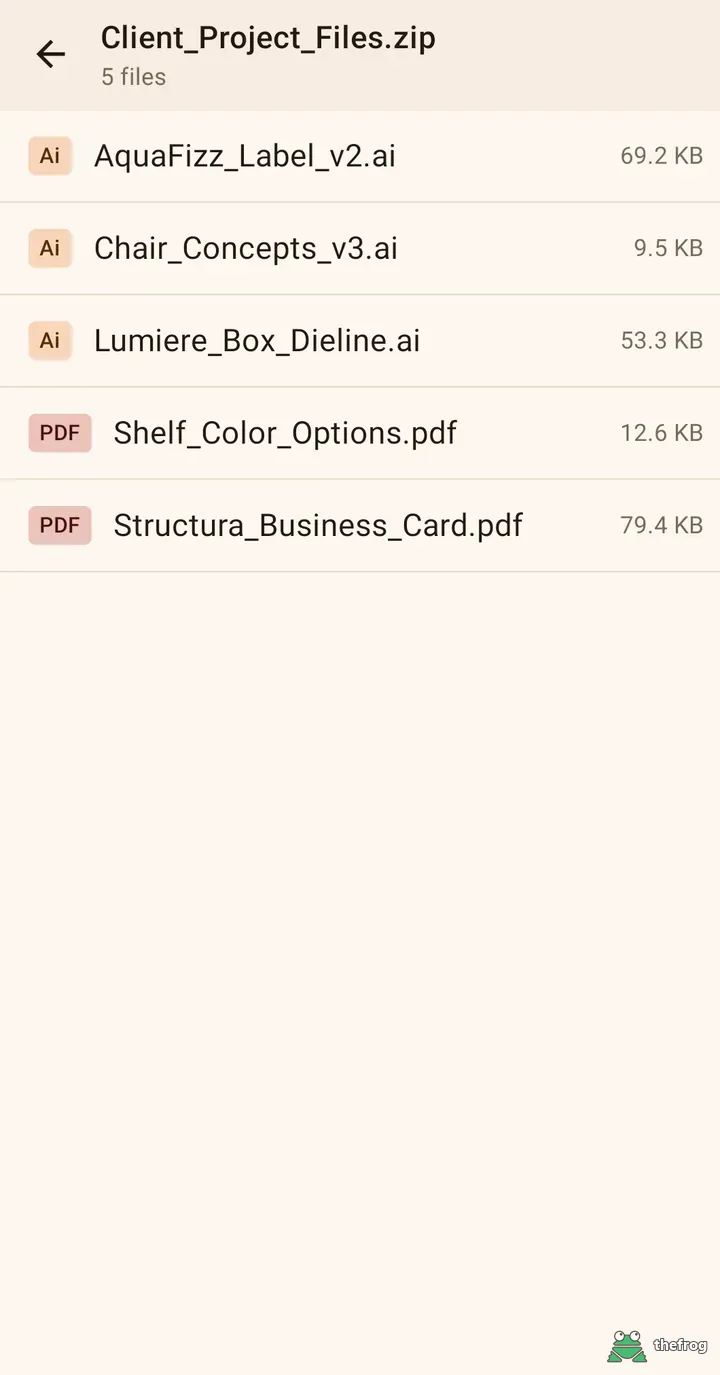
- Open ZIP files directly (Plus): Pick and view AI, EPS, PDF, SVG, and image files inside without extracting (supports password-protected ZIPs, except AES).
- Replace a color everywhere (Plus): Tap a color and pick a new one to change similar pixels, then save or share the result as a PNG.
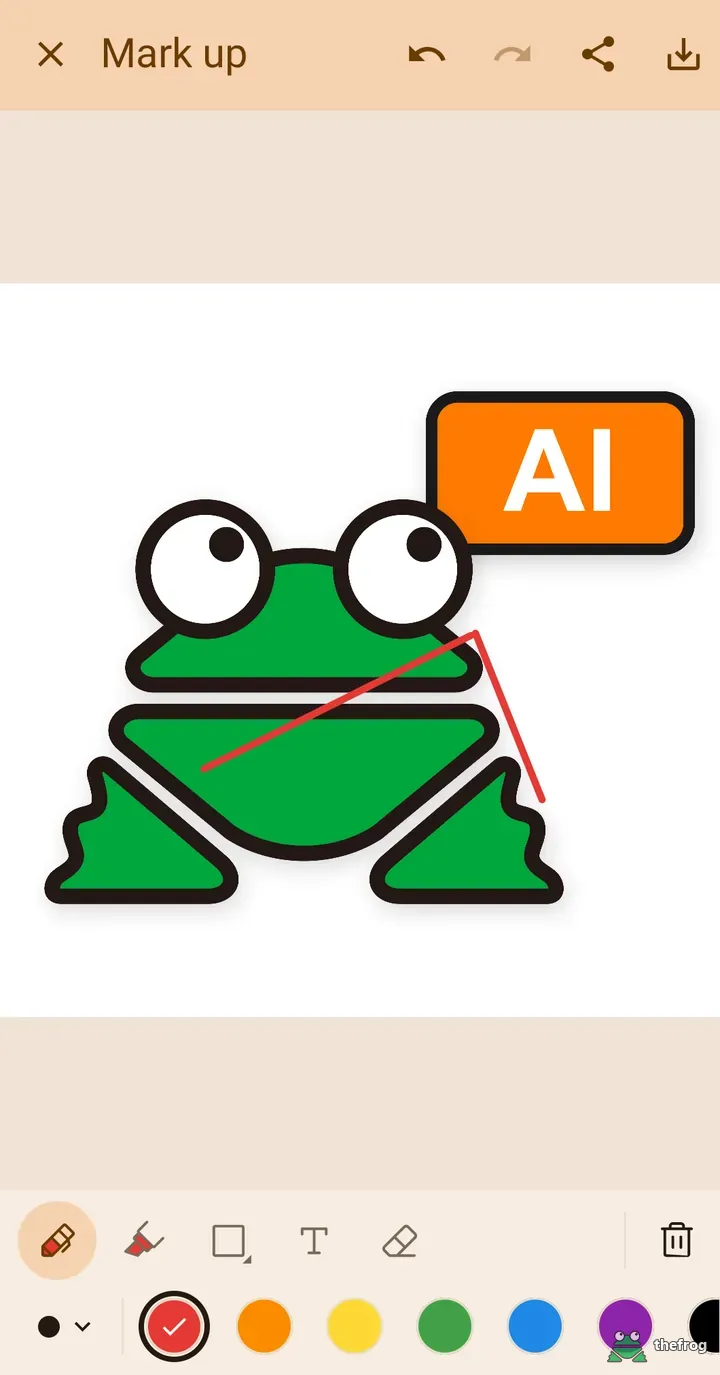
- Plus Designer Tools: Use markup (pen, highlighter, eraser, shapes, and text; move, resize and recolor shapes and text; place pin notes; copy the marked-up image), a color picker to check HEX/RGB values, and high-resolution PNG export.
- PDF layers (AI and PDF files with layers): view the layer list for free and tap the artwork to find its layer. With Plus, show or hide layers, change a layer's color or save one layer as a PNG.
- On tablets and in landscape, panels and dialogs no longer stretch across the full width. Collapse the bottom panels (Replace color, layer color), set them to half height, or drag them from anywhere; the artwork fits above the panel. Available in 13 languages, with a Language item in the menu and in-app update alerts for new versions.
How it works
PDF, SVG, and image files are always free and unlimited, no purchase required (except files inside ZIP archives). AI and EPS files can be viewed free for up to 5 different files in total. You can also try the markup drawing tools for free for up to 3 sessions.
"Plus" is a one-time purchase, not a subscription. It unlocks unlimited AI and EPS file viewing, the Save as PDF feature, the Designer Tools, opening files inside ZIP archives, saving or sharing the current page as PNG, swipe previews, and the layer tools above (showing or hiding layers, changing a layer's color, saving one layer as PNG), and replacing a color everywhere.
Please note: AI files are supported only when saved from Adobe Illustrator with "Create PDF Compatible File" enabled. Legacy AI files saved without this option may not open. EPS files are shown using their embedded preview image, so they may look less sharp than the original when zoomed in, and EPS files without a preview image cannot be opened.
Privacy
The content of files you open is processed entirely on your device and is not transmitted to a server. Viewing files does not need an internet connection. No account or sign-in is required, and there are no ads.
For more details, read our Privacy Policy.
AI File Viewer: Illustrator is an independent viewer, not an official Adobe app. Adobe and Illustrator are trademarks of Adobe Inc.
Get AI File Viewer: Illustrator on Google Play.
Enjoying the app? Leave a review on Google Play: AI File Viewer: Illustrator