
AI File Viewer: Illustrator 1.1.3.0 Release Notes

This update to AI File Viewer: Illustrator brings practical tools for reviewing vector designs on Android, starting with a new way to test color adjustments on your phone. You can now replace a color across your artwork, adjust the workspace using flexible bottom sheets, inspect PDF layers with a tap, and use Plus features offline for up to 7 days. Our previous release is covered in the 1.1.2.8 release notes.
Replace a color across your artwork (Plus)
When clients ask to see an illustration or icon in an alternate palette, you can now test the change directly on your device. Tap any color on your artwork and choose a replacement hue. Similar pixels across the entire design adjust to match your selection.
This tool helps you explore quick visual variations without opening a desktop workstation. Recolored designs can be saved or shared directly as PNG files with Plus.
Flexible bottom panels and 50% pinch zoom
Adjusting tools on small screens is now more comfortable. The bottom sheets in the viewer—including the color replacement panel—can be collapsed, half-expanded, or dragged from any point on the panel surface.
When you expand a panel, the artwork automatically adjusts to fit the visible area above the sheet. This keeps your design in clear view instead of hiding behind tool sliders. In addition, you can now pinch with two fingers to zoom out down to 50% of the fit-to-screen size, giving you a complete look at artboard margins and overall layout balance.
Tap to find PDF layers and faster color previews
Working with layered PDF files is faster in this update:
- Tap to select layers: Tap an element directly on your artwork to locate its corresponding layer in the layer list.
- Faster layer color previews: Color previews in the layer panel now load with reduced waiting time when reviewing vector structures.
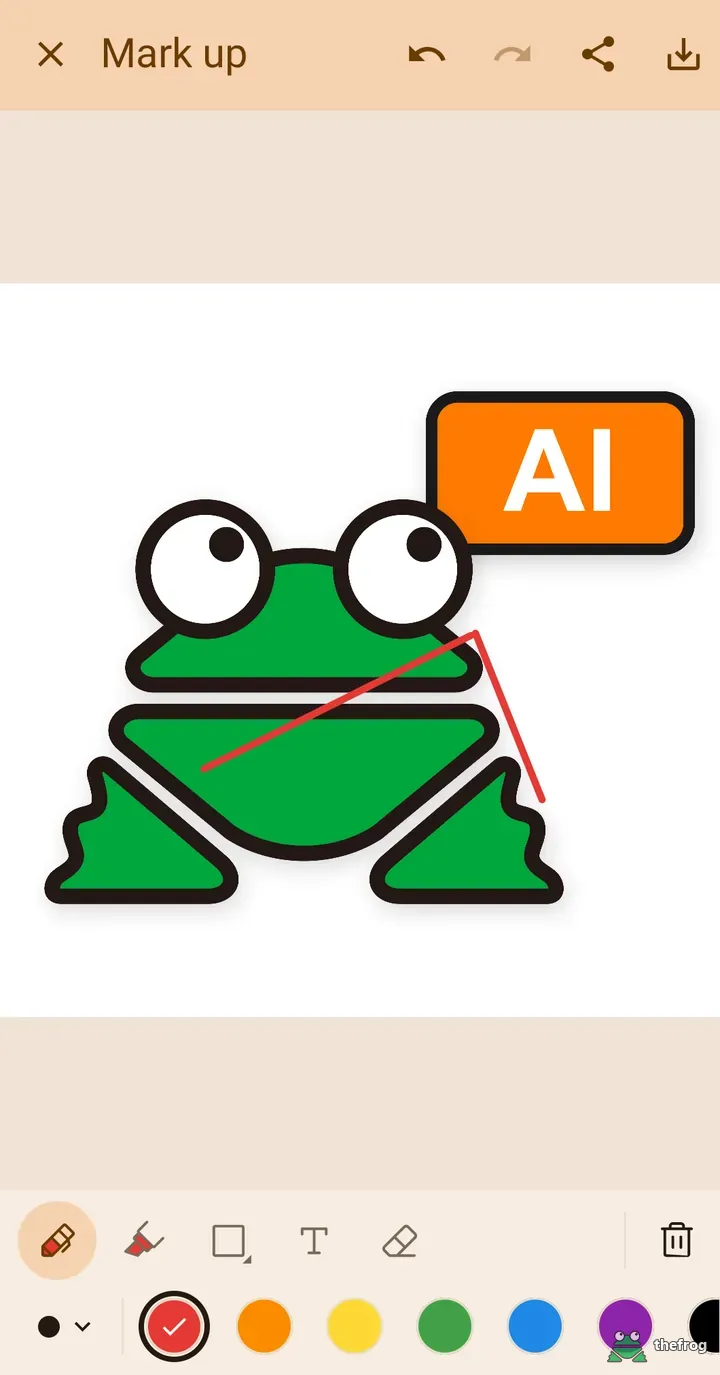
Refined markup tools and simpler file sharing
Adding feedback notes on top of a design involves fewer steps in this update:
- Move shapes: Long-press a drawn shape to reposition it on the canvas.
- Instant recoloring: Selecting a color while a shape or text element is selected updates that item immediately.
- Immediate shape selection: Newly added shapes are selected right away so you can adjust them without extra taps.
Opening incoming files is also more straightforward. You can now send files into AI File Viewer: Illustrator via the standard Android Share menu. Files opened this way appear in the new Received tab inside the file manager for quick access. This update also adds interface translations for Thai and Bengali, and introduces Brush Viewer to the companion app list in the menu drawer.
Free and Plus summary
Features in this update are organized into Free and Plus tiers:
- Free: Draggable bottom sheets with automatic artwork fitting, pinch zoom out to 50%, tap-to-find PDF layers, faster layer color previews, Android Share import with the Received tab, Thai and Bengali language support, and Brush Viewer in the menu drawer.
- Markup: The markup refinements above apply to markup, which can be tried 3 times without purchase and is unlimited with Plus.
- Plus: Global color replacement with PNG export and sharing, and offline Plus access for up to 7 days after a purchase check.
About AI File Viewer: Illustrator
AI File Viewer: Illustrator allows designers, clients, and students to inspect and review vector graphics on mobile devices. You can install or update the app on Google Play.
To learn more about vector file structures and artboards, refer to the official Adobe Illustrator User Guide.
Learn more about AI File Viewer: Illustrator or get it on Google Play.
Enjoying the app? Leave a review on Google Play: AI File Viewer: Illustrator