
PSD & PSB File Viewer 1.0.0 Release Notes

We are excited to announce the first release of PSD & PSB File Viewer, version 1.0.0. This app lets you open and view Adobe Photoshop (.psd and .psb) files directly on your phone.
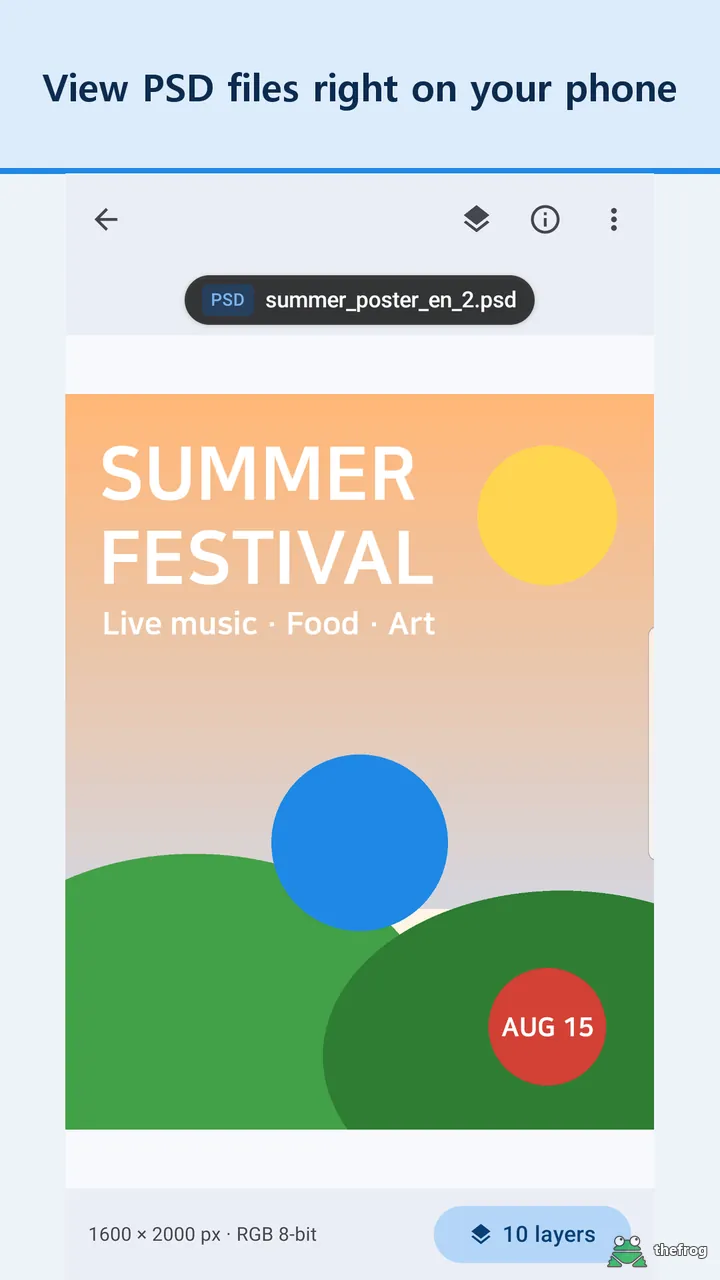
View the Full Image
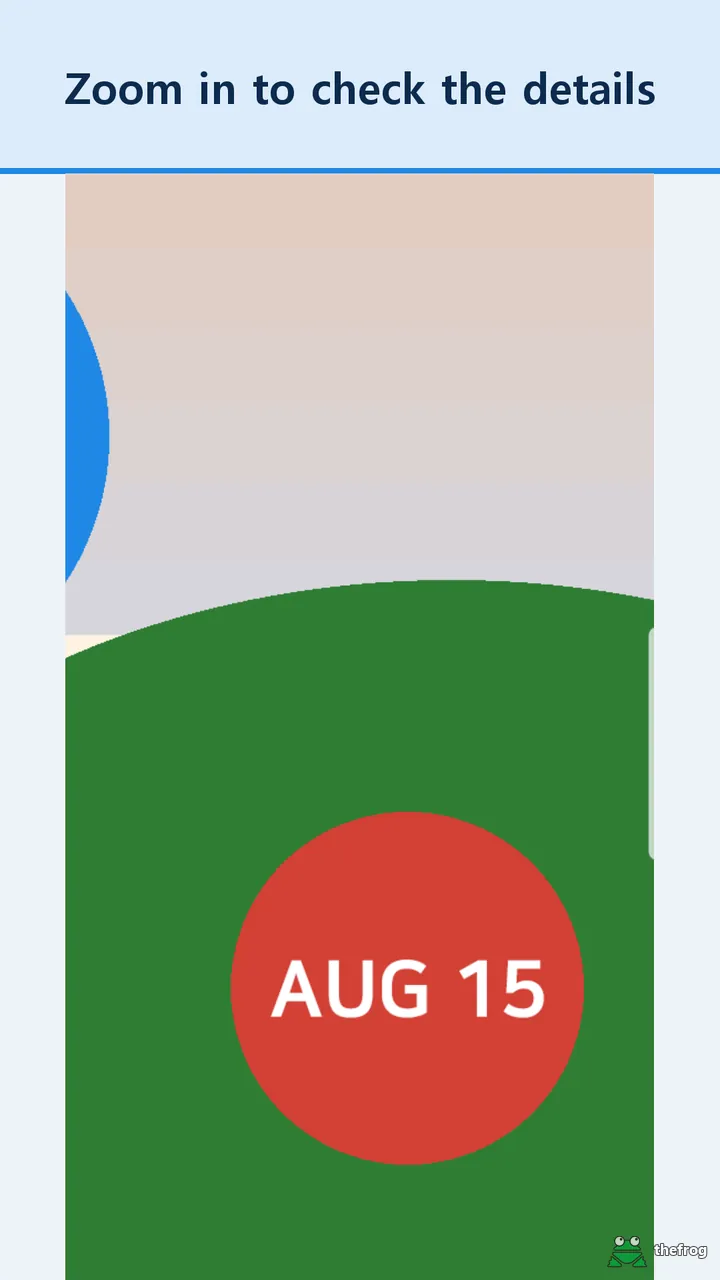
You can now check the merged image of your PSD and PSB files without sitting at a computer. Simply pinch the screen or double-tap to zoom in. When you stop zooming, the app re-reads the visible area to give you a sharper view. This works even for large PSB files.
Check Layers and Document Info
PSD & PSB File Viewer is not just an image viewer. You can open the layer list to see how the file is organized. It shows layer groups, hidden layers, opacity, and layer types like text, smart objects, and adjustment layers. Note that this is a view-only feature.
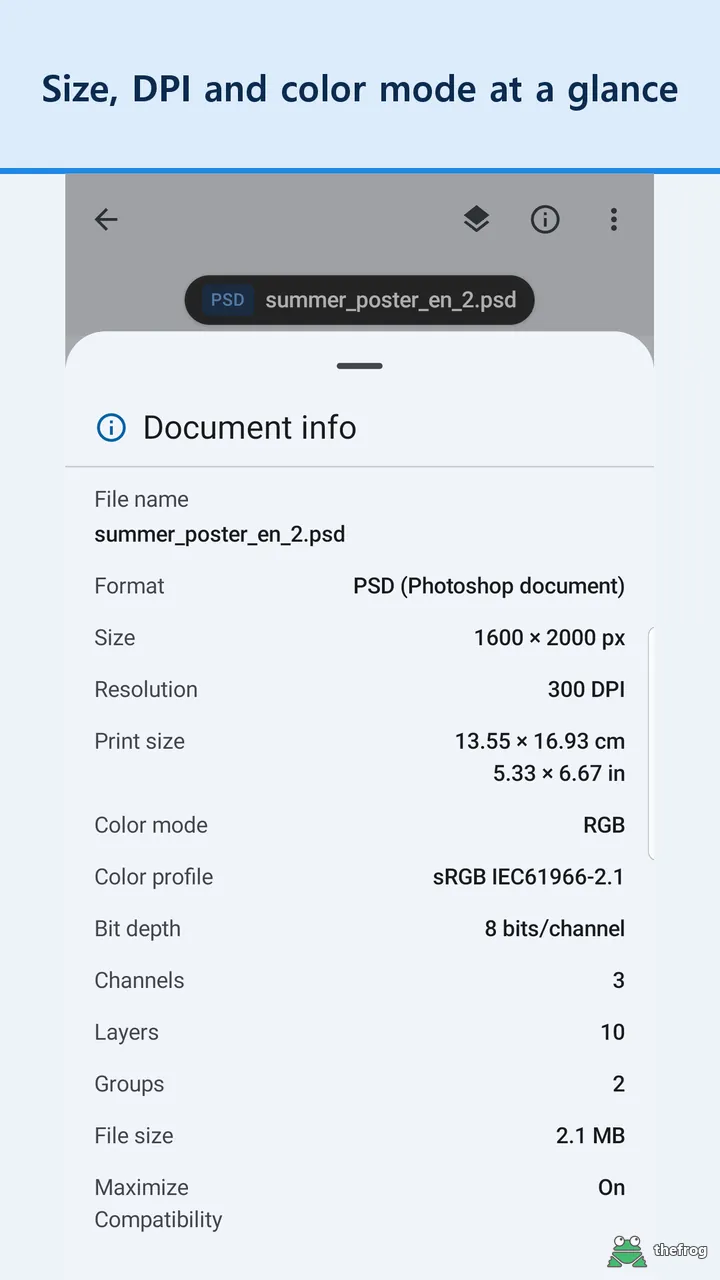
You can also check the document information. The app shows the size in pixels, DPI, print size, color mode (like RGB or CMYK), bit depth, color profile, layer count, and total file size.
Free Features and Plus
You can view up to 5 different PSD or PSB files for free. Opening the same file again does not count against your limit. You can also use the app to view common image files like JPG, PNG, WEBP, GIF, BMP, and HEIC for free without any limits.
If you need more, you can purchase "Plus". It is a one-time purchase, not a subscription. Plus gives you:
- Unlimited viewing of PSD and PSB files.
- The ability to save the merged image as a PNG or PDF at up to full resolution. PNG keeps transparency and DPI, while PDF saves as one page at print size.
- Content previews while swiping between files (free users see a simple info card).
Get version 1.0.0 of PSD & PSB File Viewer on Google Play.
Learn more about PSD & PSB File Viewer or get it on Google Play.
Enjoying the app? Leave a review on Google Play: PSD & PSB File Viewer