
PSD & PSB File Viewer 1.1.2.6 Release Notes

PSD & PSB File Viewer version 1.1.2.6 is now available on Android. Following our 1.1.2.5 release notes, this update brings a new Pin tool for memos, a quick Copy option for marked-up images, layout refinements for tablets and landscape mode, and a full-view zoom option in Replace Color.
New memo Pin
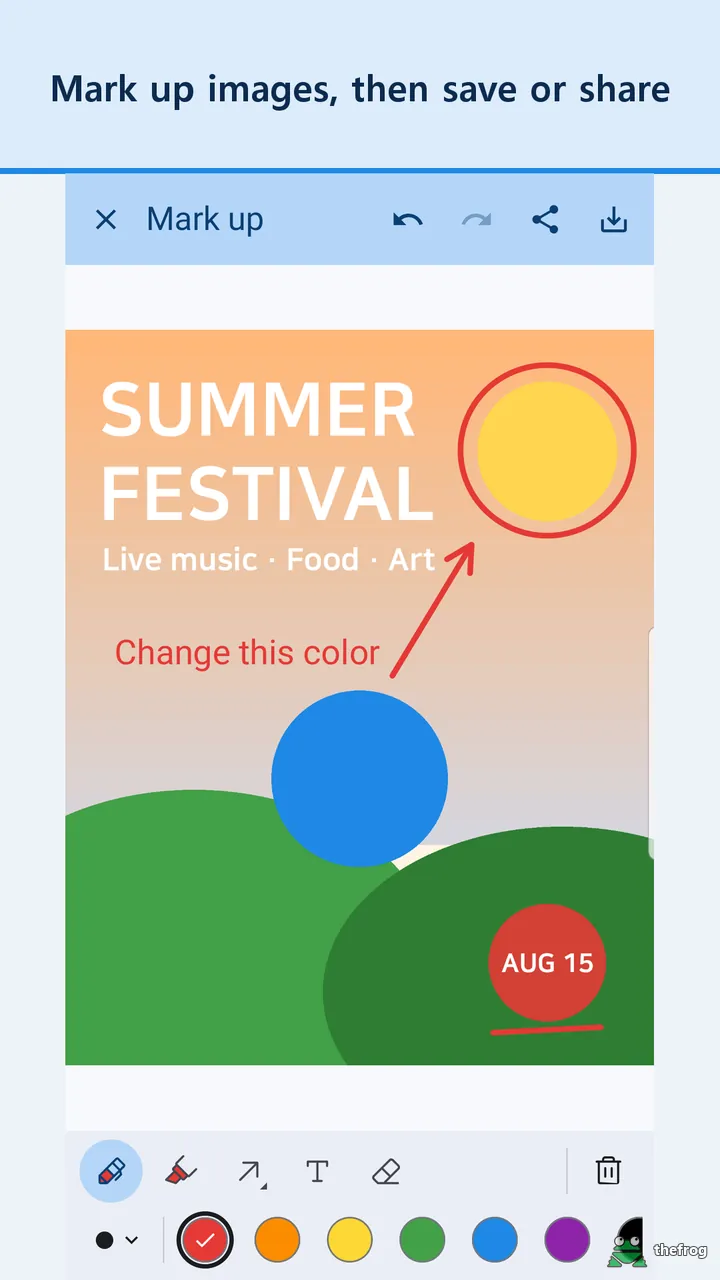
When reviewing design files on a mobile screen, pointing to a specific layer or element can be difficult with freehand lines alone. The new Pin tool lets you tap a spot on the picture to place a note box.
Each pin pairs a text note with an arrow pointing to the selected detail. You can drag the note box to an open area of the canvas or reposition the pin point. The connecting arrow remains attached between both points when you move either one. This keeps review comments clear without obscuring key parts of the artwork. The Pin tool is available as a Plus feature.
Copy the result
The memo tool screen now includes a Copy action. Instead of saving an image file to local storage first, you can copy the marked-up result image directly to your clipboard.
After copying, you can paste the preview into a chat thread or an email message. The Copy action follows the same rules as Save and Share, applying the same usage limits.
Tablets and landscape
Screen proportions differ across Android devices. Version 1.1.2.6 refines how panels and dialogs arrange themselves when you rotate a phone or work on a tablet:
- Wider lists and dialogs: Tablet screens present wider lists and dialog boxes for easier navigation.
- Side panels on phones: Holding a phone in landscape mode places tool options into side panels.
- Consistent sizing: Text and pin sizes remain the same in portrait and landscape orientations.
- Typing line above keyboard: When entering memo text in landscape mode, the active text line stays visible directly above the on-screen keyboard.
Smaller improvements
This release also includes several interface adjustments:
- Replace Color screen (Plus): You can pinch out to zoom out and view the whole picture while adjusting colors.
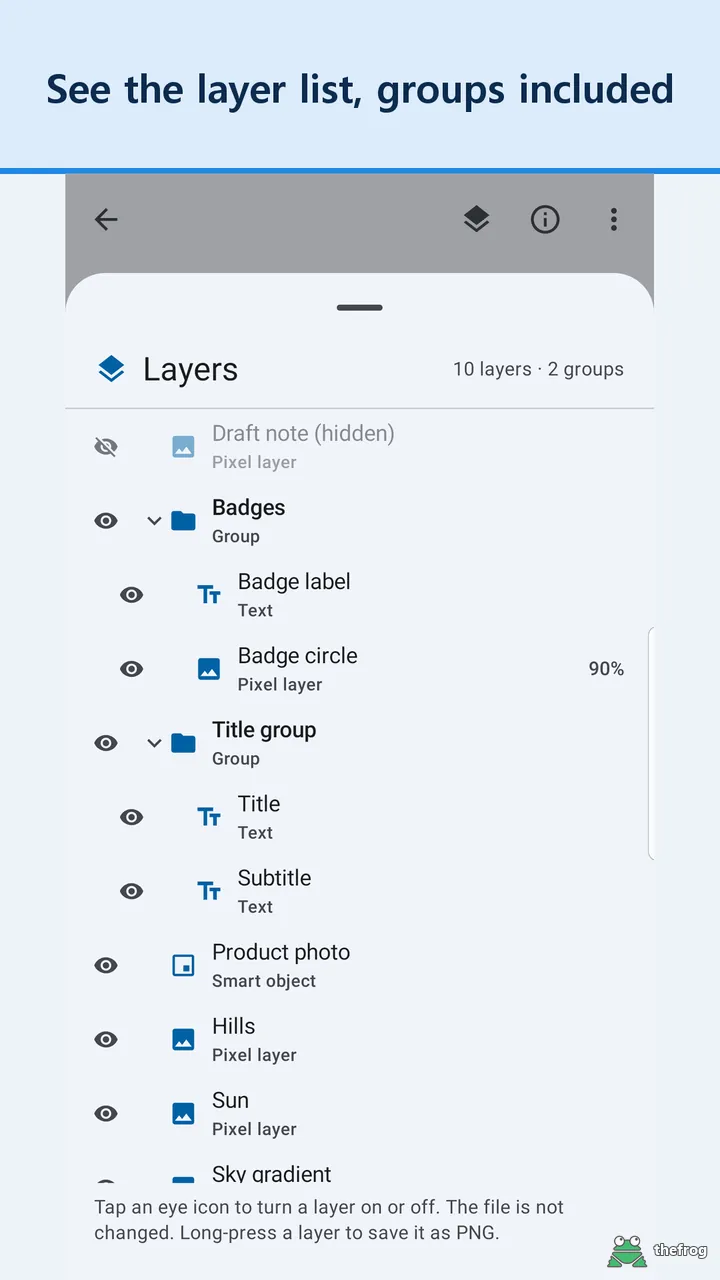
- Interface fixes: Adjustments resolve issues in layer list notes, tool sheets, and screen titles.
Free and Plus
Here is a summary of how the features in this release are grouped:
- Free: Wider tablet dialogs, phone landscape side panels, and interface fixes for titles, sheets, and layer notes.
- Plus: The Pin memo tool and the Replace Color screen, including the new pinch-out view. Memo tools, including the consistent text and pin size, can be tried 3 times for free and are unlimited with Plus. The Copy action follows the same usage rules as Save and Share.
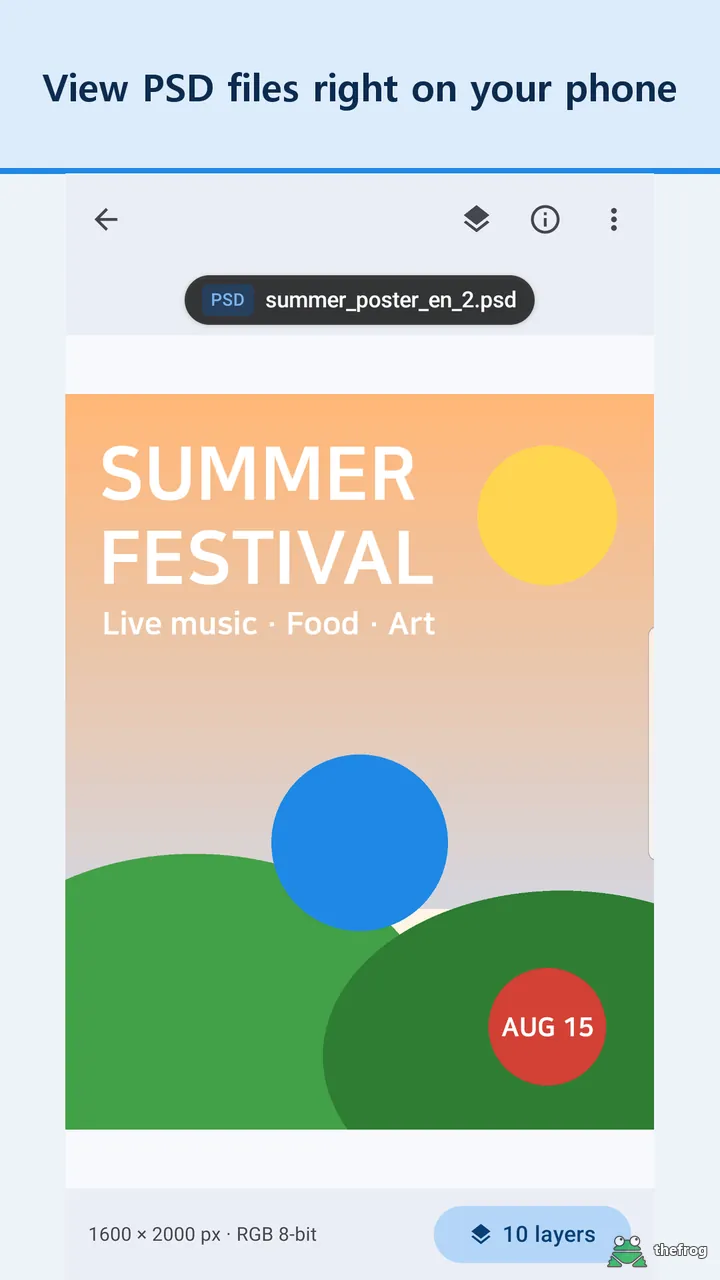
To inspect PSD graphics, check document details, or mark up previews on Android, you can download PSD & PSB File Viewer on Google Play.
Learn more about PSD & PSB File Viewer or get it on Google Play.
Enjoying the app? Leave a review on Google Play: PSD & PSB File Viewer